Cistern full?
Half full? Empty?
With WaterGuard the guessing is over.
WaterGuard by myCistern measures the level in your cistern with a pressure sensor at the bottom of the tank. The app shows water level, litres and history and warns you when water runs low. WaterGuard Refill can also control a connected refill system.
 Home Assistant
Lid off, torch in, guess – not with WaterGuard.
One sensor on the floor. One device on the wall. Done.
The fill-level sensor hangs at the bottom of the cistern, WaterGuard sits weather-protected in the utility room or garage. The two connect via one cable – and to the myCistern app via Wi-Fi or LAN.
Why we measure at the bottom
Ultrasonic and laser sensors measure from above – and get fooled by cobwebs, condensation and fittings. WaterGuard measures the pressure of the water column right at the tank floor: about 1 mbar per centimetre, converted into fill height, litres and percent.
Accurate, robust, maintenance-free.
 This image was generated with the help of artificial intelligence
Will WaterGuard work with my cistern?
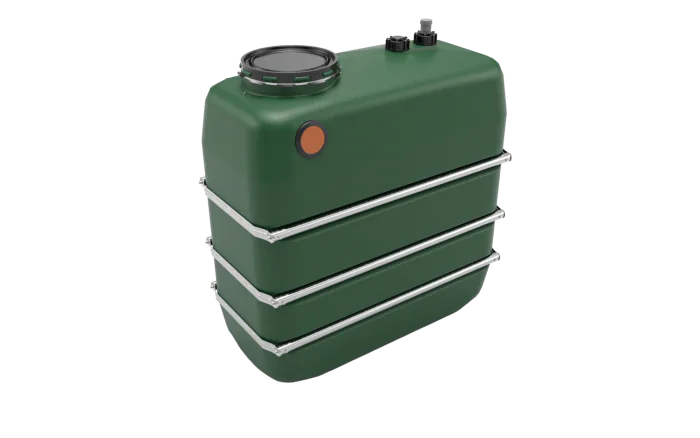
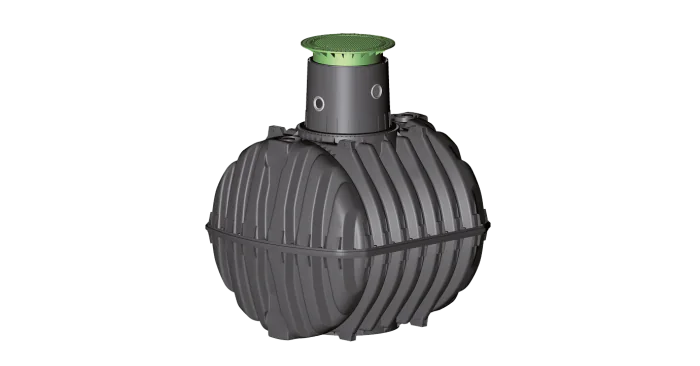
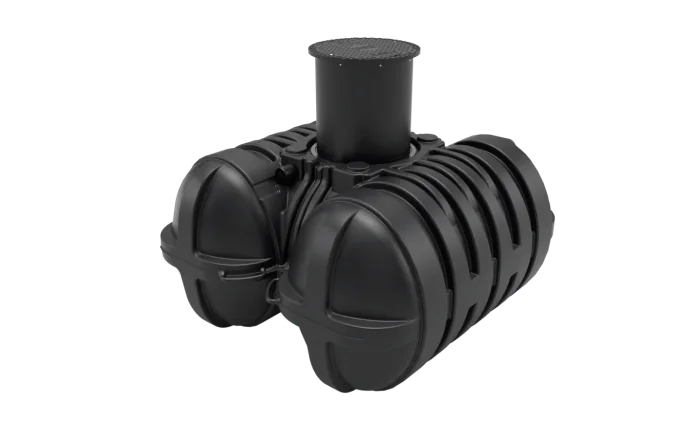
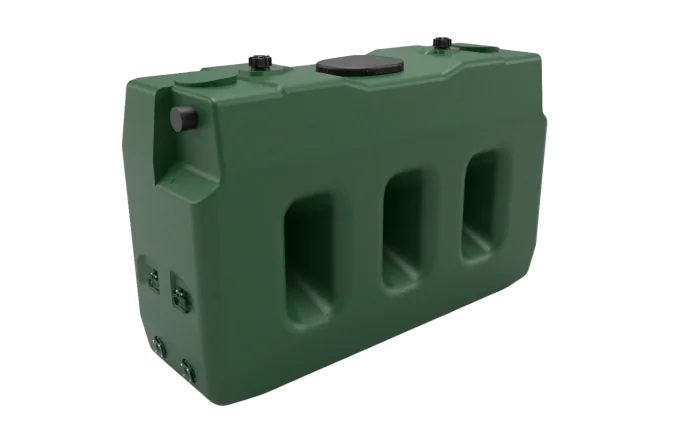
You simply select your installed cistern in the app – and see the fill level in percent, litres and centimetres straight away.
A quick note: we maintain the tank models of the common manufacturers – not every tank of every maker is guaranteed to be included.
These brands are already on board


Another cistern? No problem – you can enter the tank dimensions yourself.
Compare models: which one fits your cistern? →
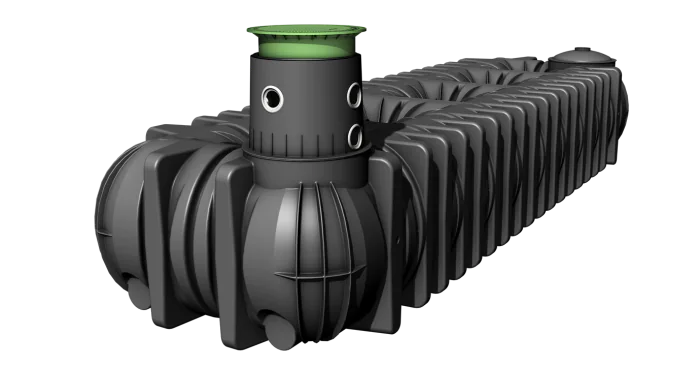
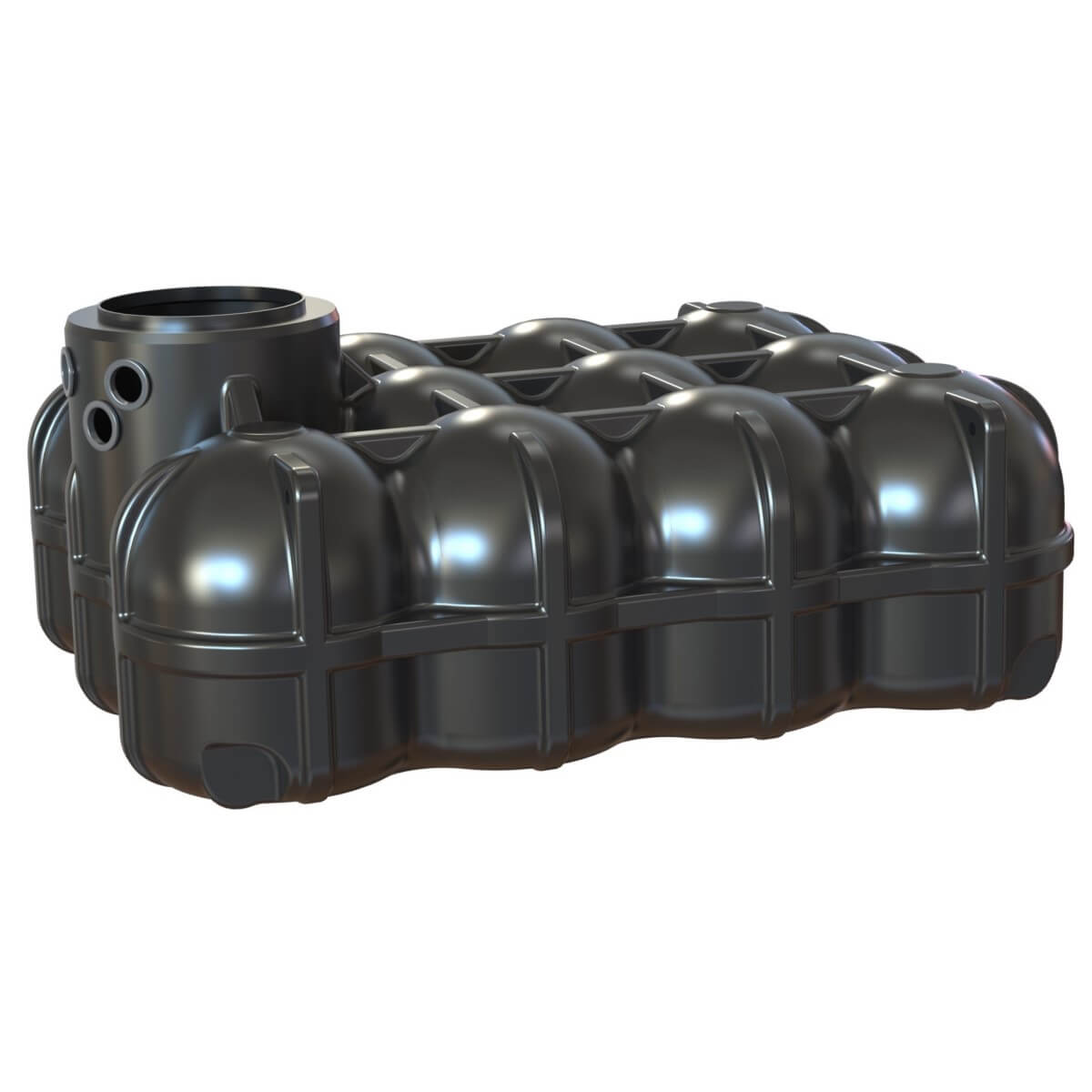
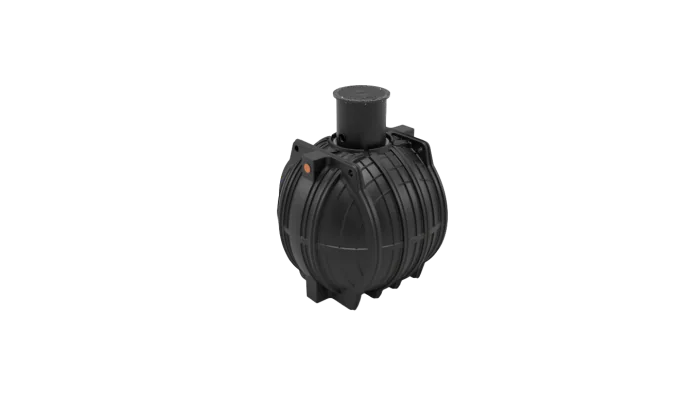
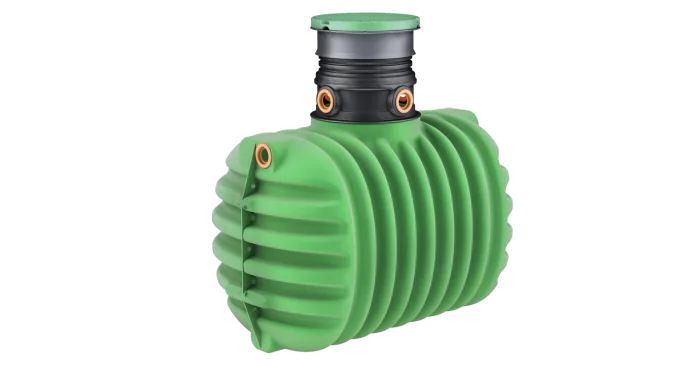
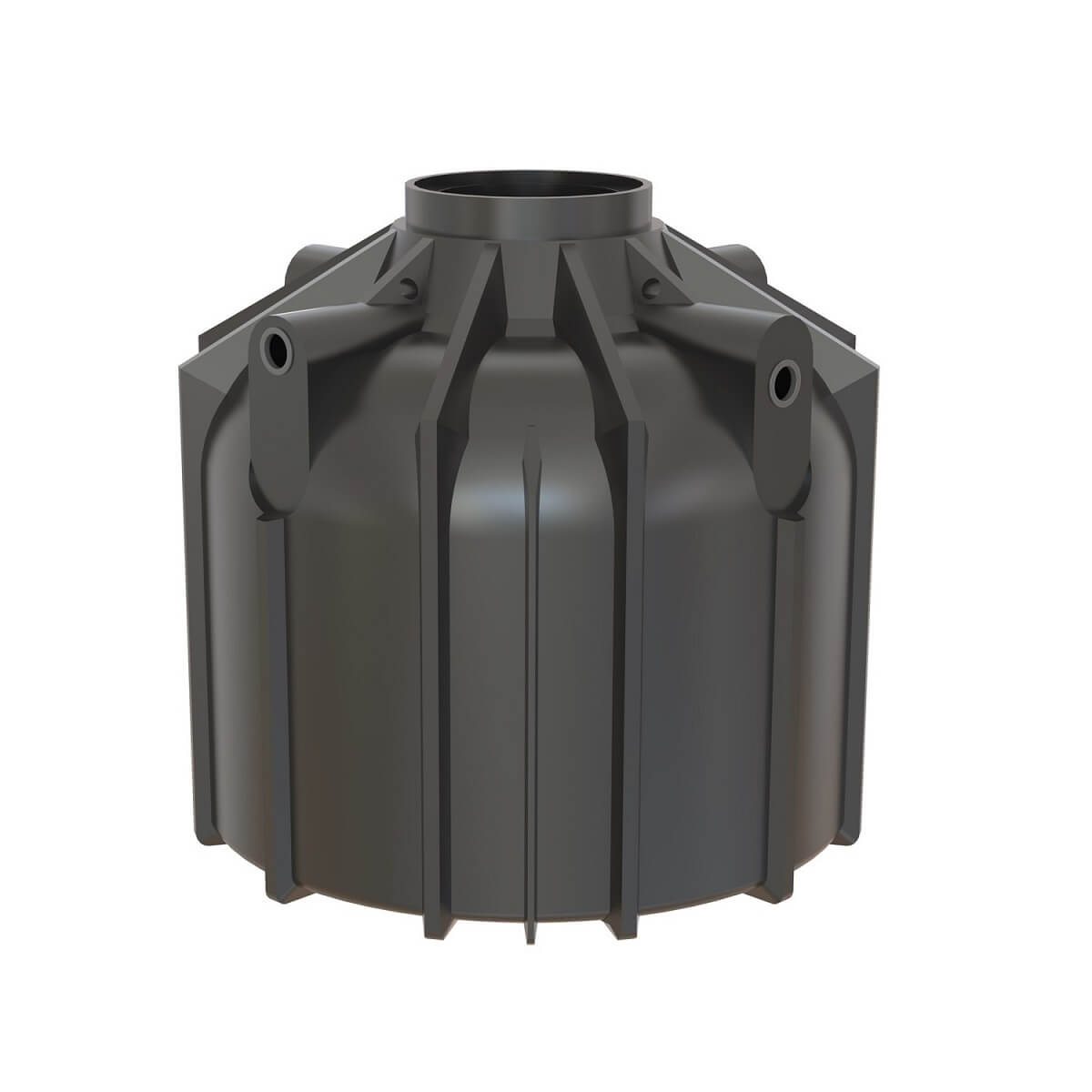
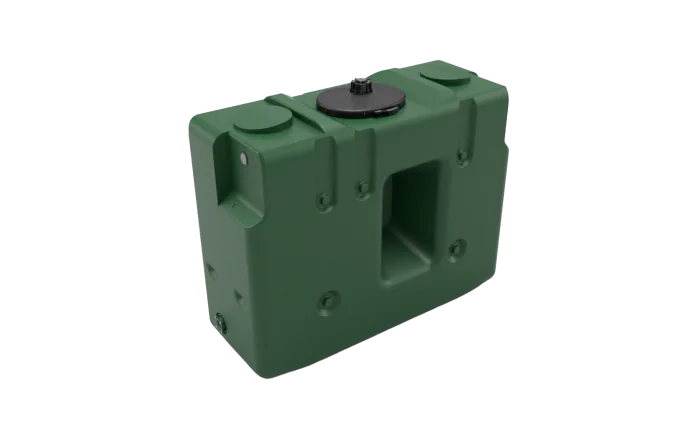
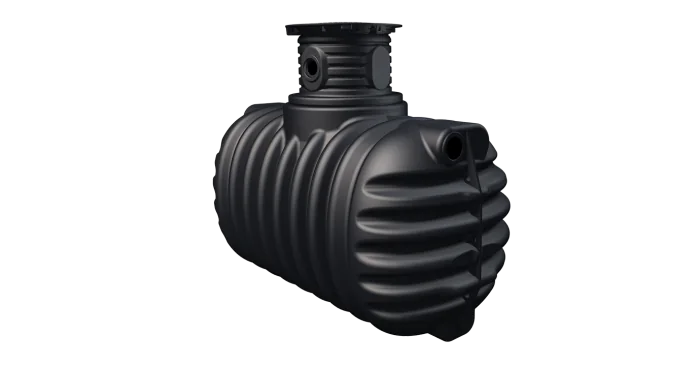
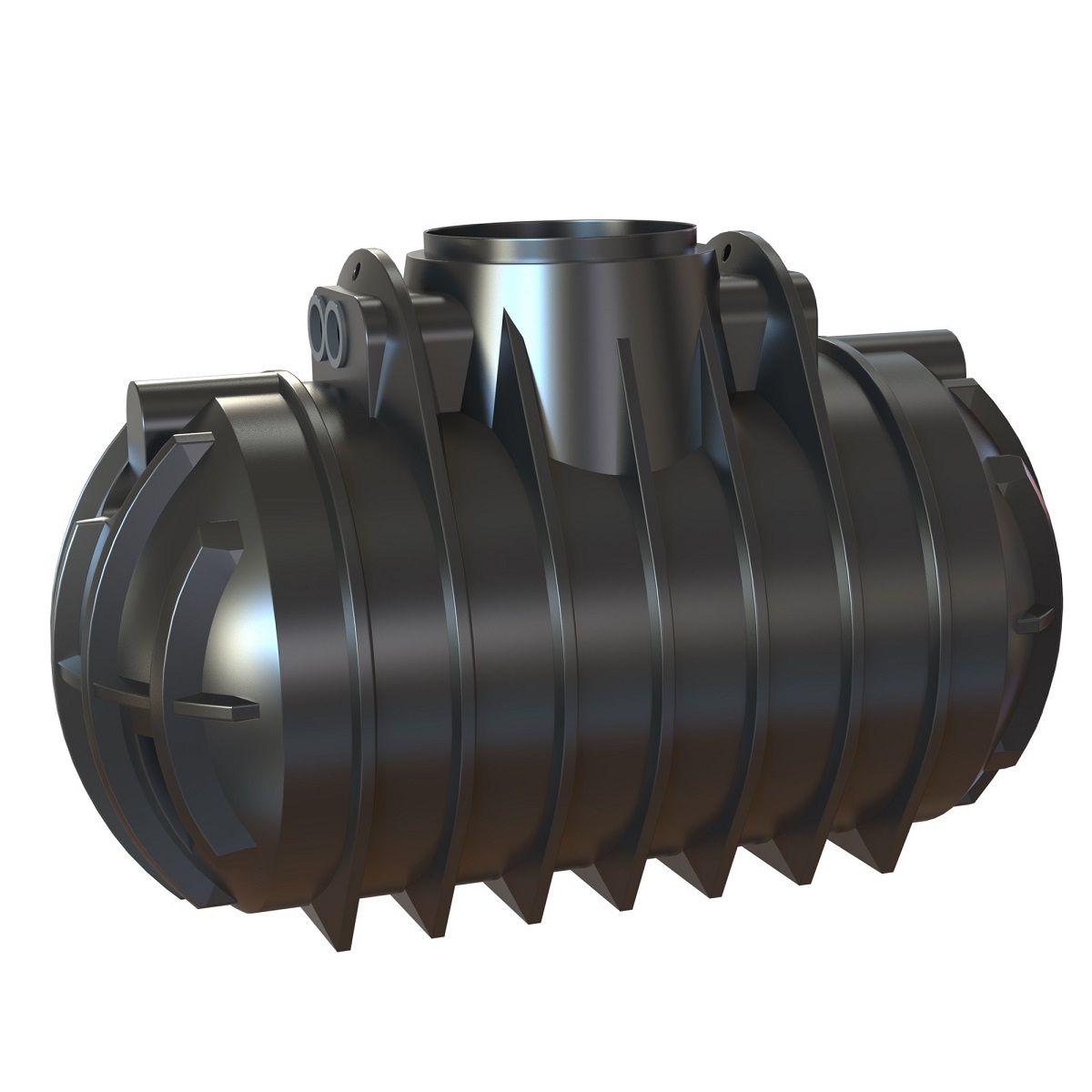
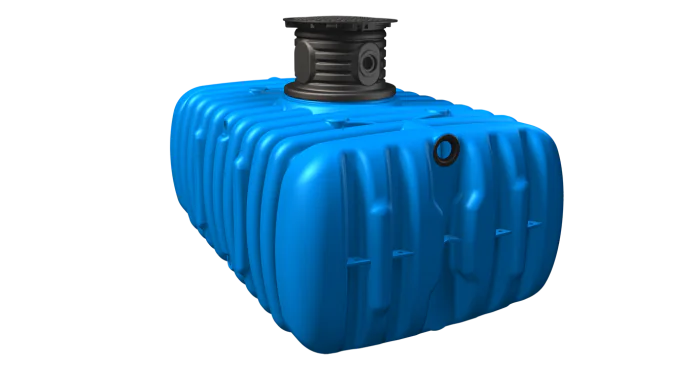
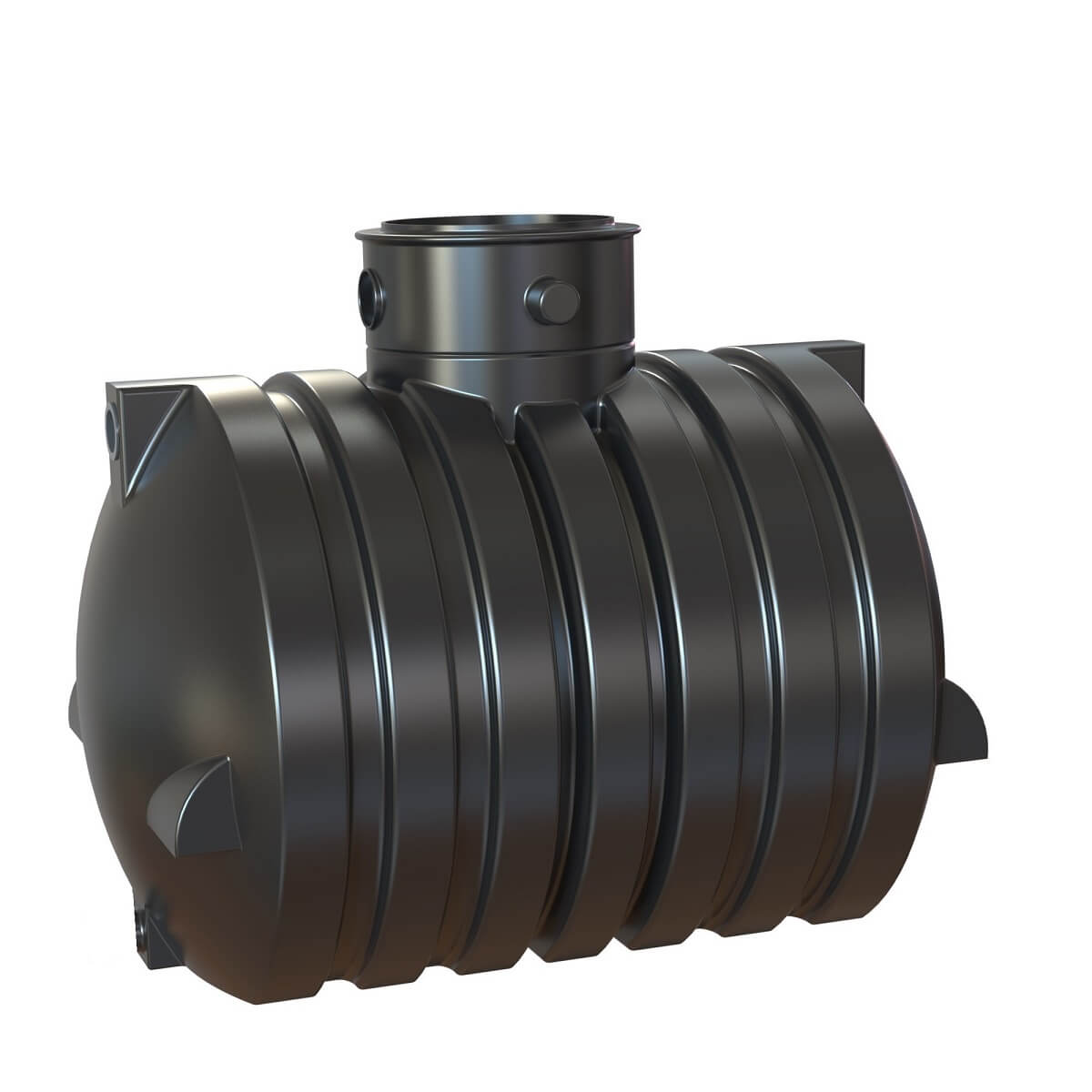
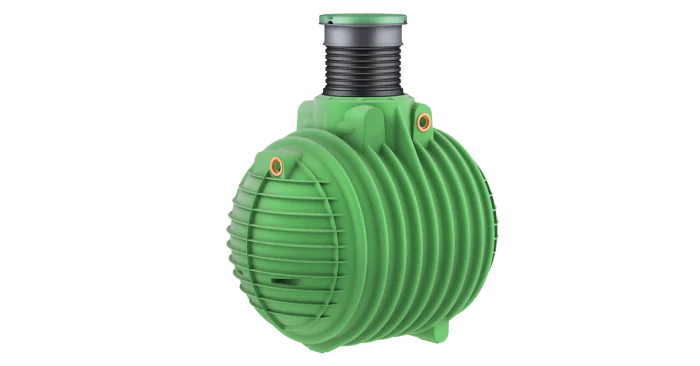
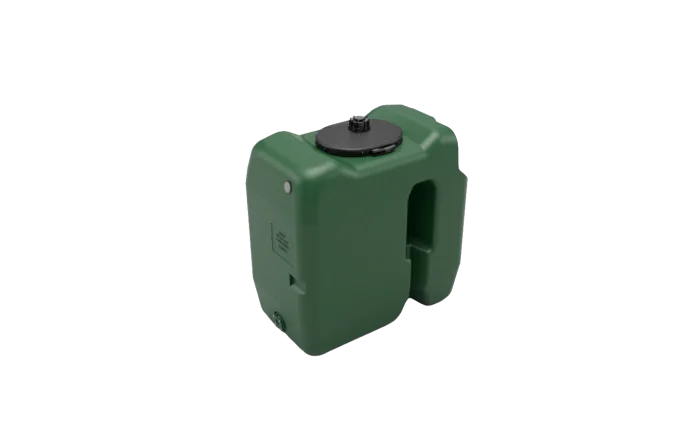
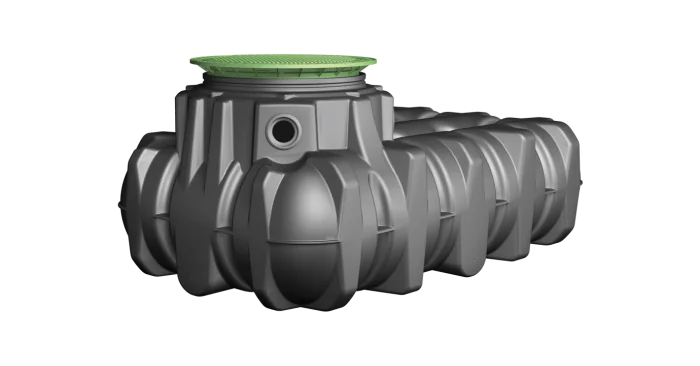
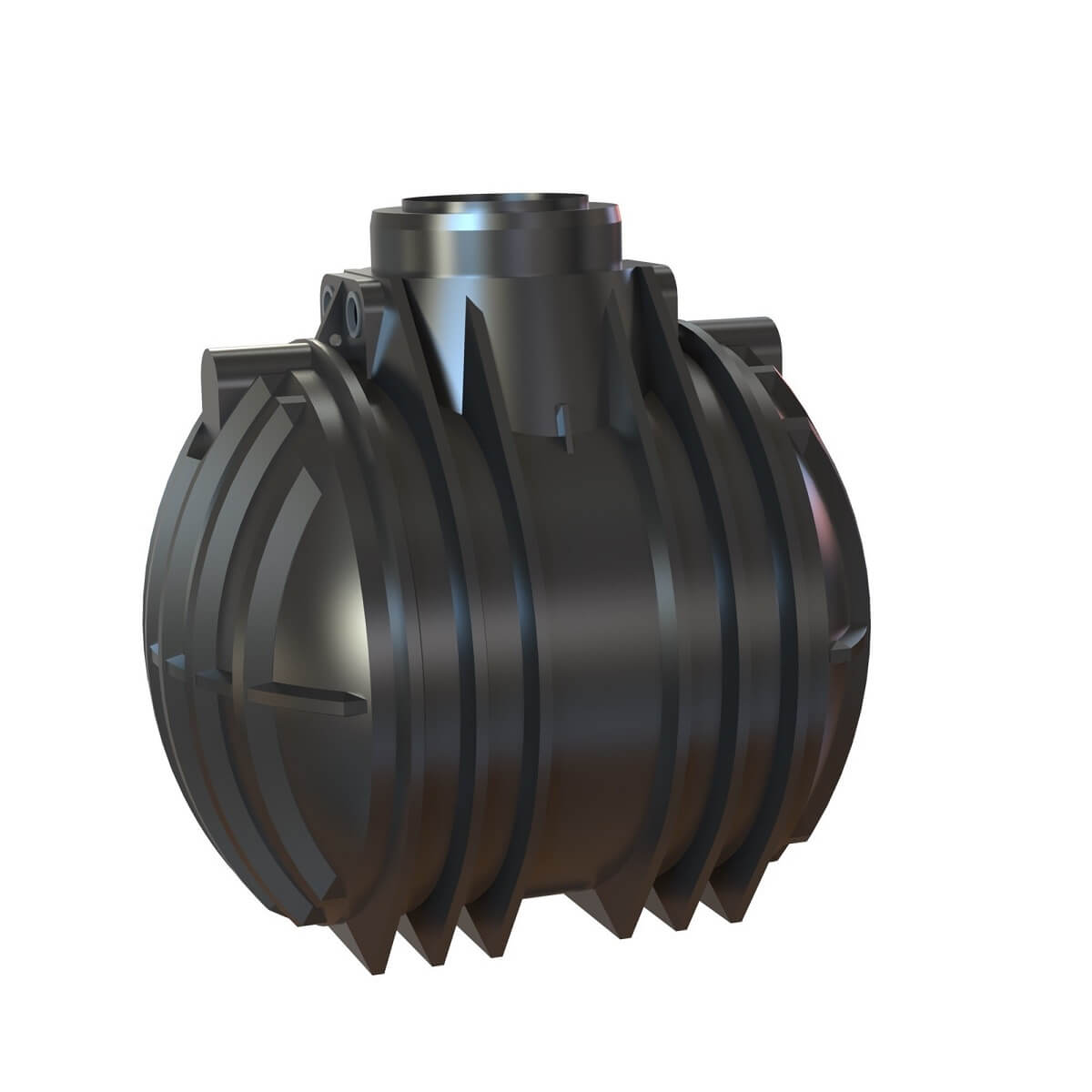
A look into the cistern – from the sofa.
Current level, history over weeks, a warning when it runs low. Set up in two minutes: scan the QR code, pick your Wi-Fi, done.
App & platform privacy · Terms of use for private customers · Manufacturer & WEEE






WaterGuard Level shows.
WaterGuard Refill acts.
Both measure the fill level and bring it to your phone. WaterGuard Refill additionally has two switching outputs and can open refill valves with them. Refill can also monitor your compatible debris filter and notify you when it needs cleaning.
What makes myCistern better?
Many devices measure a fill level. The question is how reliably – and what else the device can do.
| WaterGuard Refill | LiDAR/radar sensor | Pneumatic gauge | Wireless ultrasonic | |
|---|---|---|---|---|
| Own app on the Apple App Store and Google Play Store | ||||
| Fill level readable on the device (LED ring) | ||||
| Wi-Fi and LAN | ||||
| Home Assistant | ||||
| Filter monitoring | ||||
| Mains water refill from one supplier | ||||
| Measuring principle | Pressure sensor on the tank floor | LiDAR / radar from above | Pneumatic via measuring hose | Ultrasonic from above |
| Fill level in litres, not just height – cistern model pre-loaded | ||||
| Unaffected by condensation, cobwebs and fittings | ||||
| No moving parts, maintenance-free |
As of September 2026, based on publicly available manufacturer information. WaterGuard Level equals Refill without switching outputs and filter monitoring.
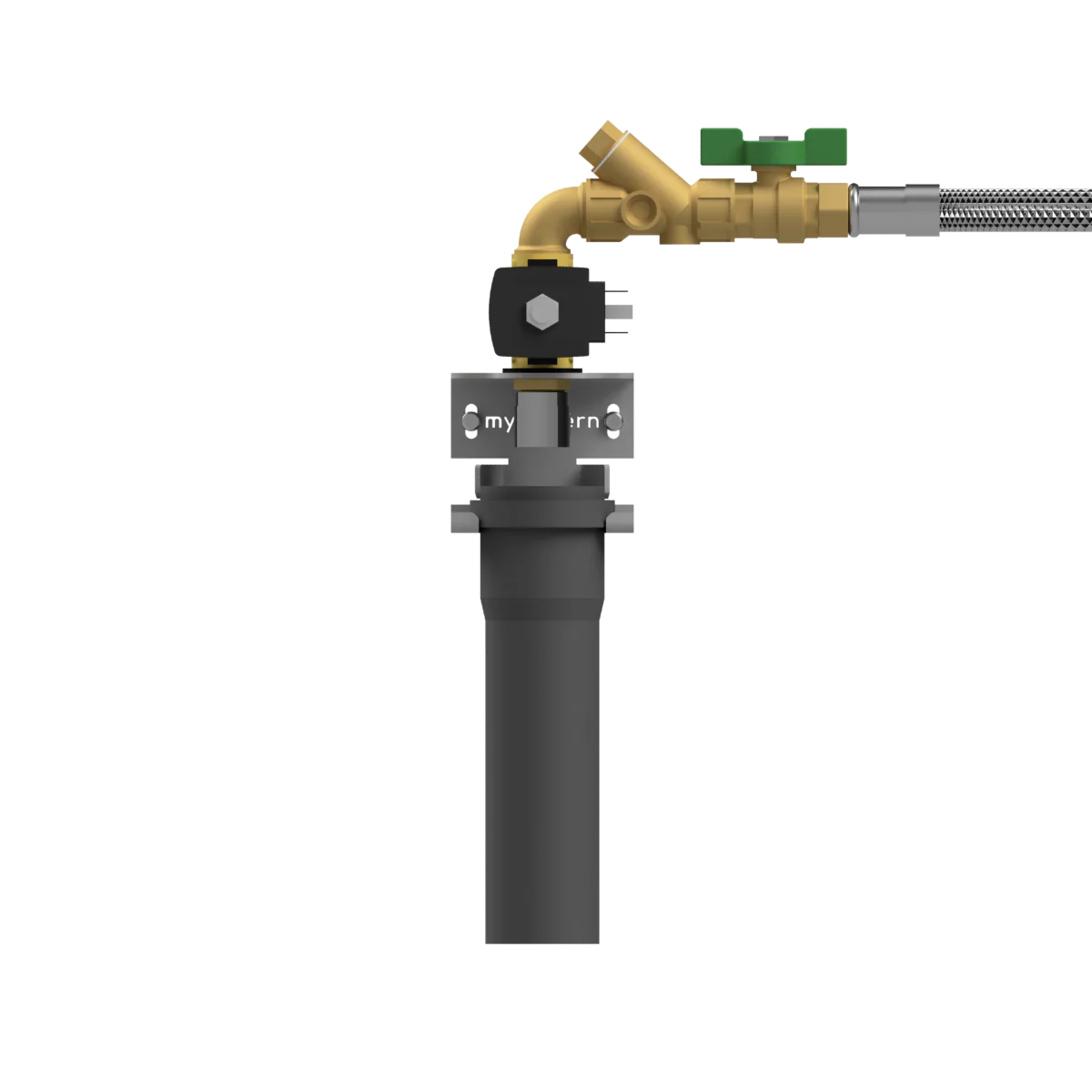
Cistern empty, garden still green.
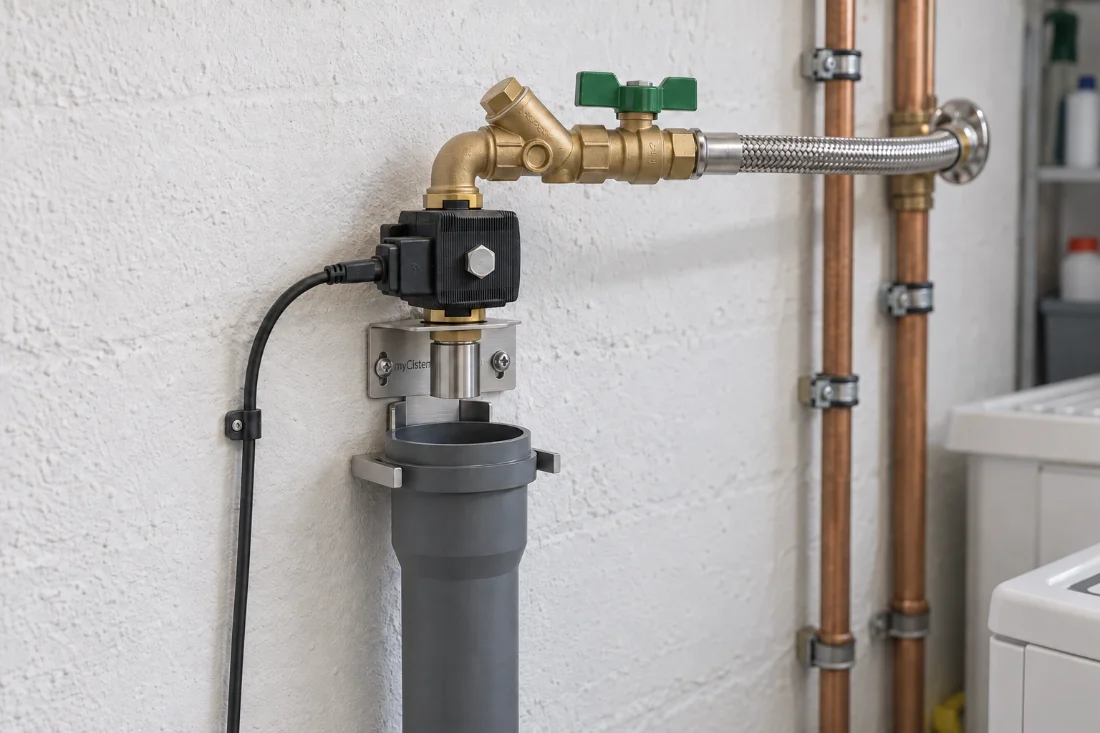
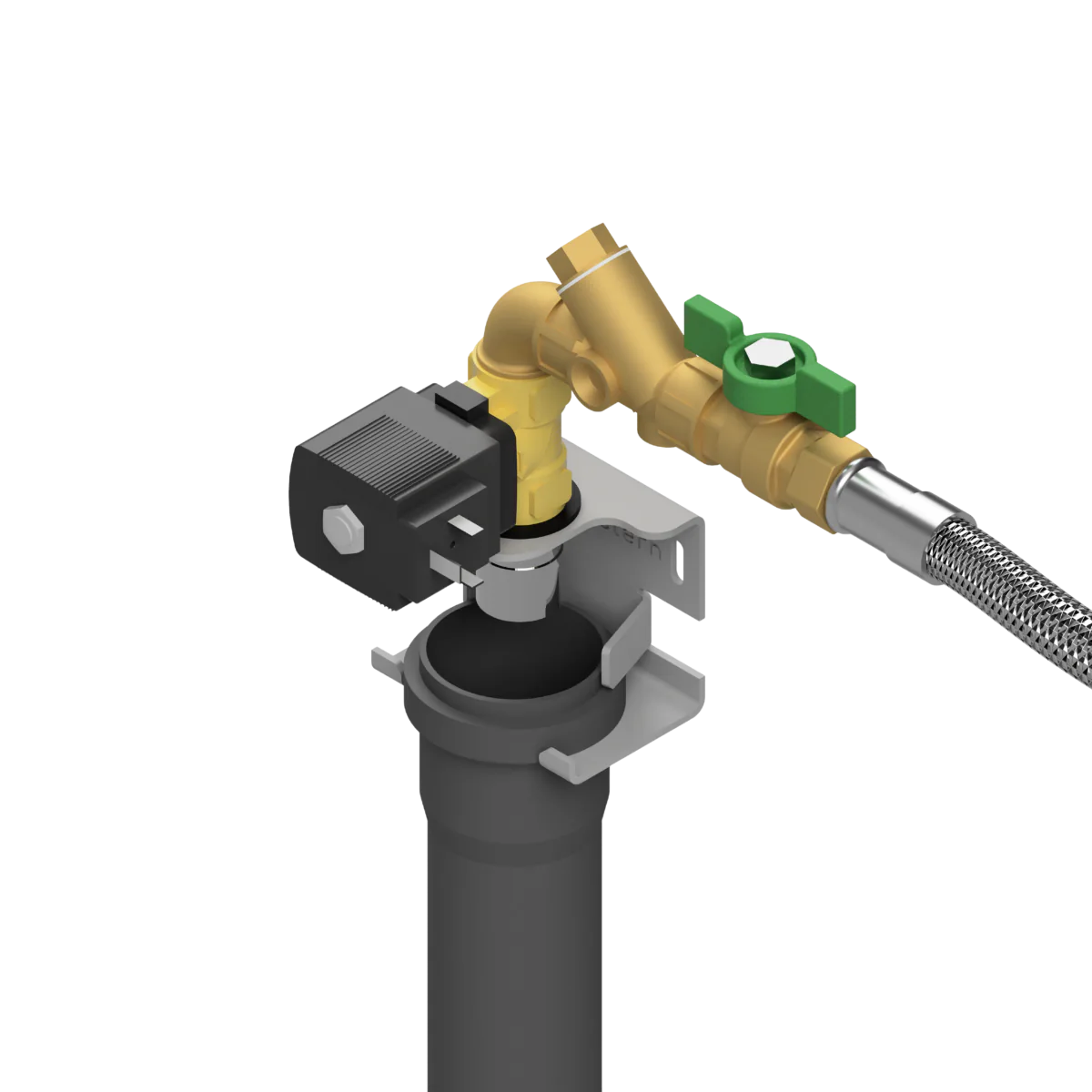
When the level drops below the mark you set in the myCistern app, WaterGuard Refill opens a valve and tops up with mains water – exactly as much as needed. So you use as much rainwater as possible and are perfectly prepared for longer dry spells.
Rainwater and drinking water must never touch. That is why mains water flows into the cistern through an open air gap – compliant and without backflow risk.
- Requires WaterGuard Refill. Not compatible with WaterGuard Level.
- Connection to the domestic water supply
- Minimum level in 5 % steps in the app
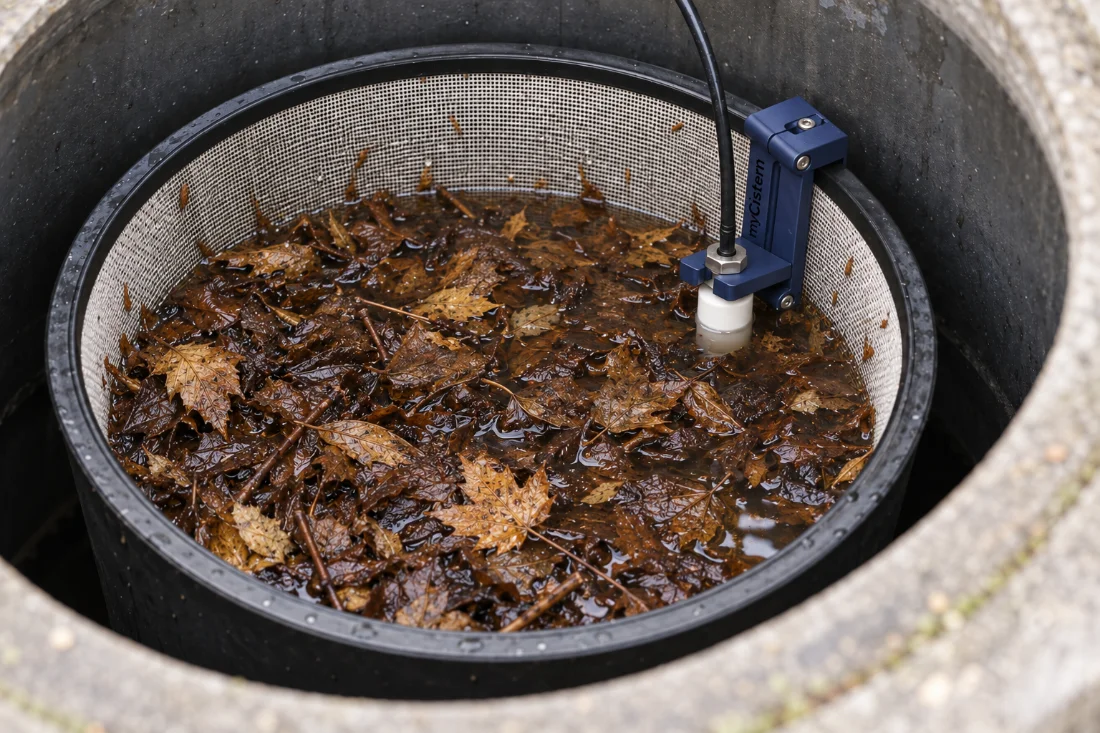
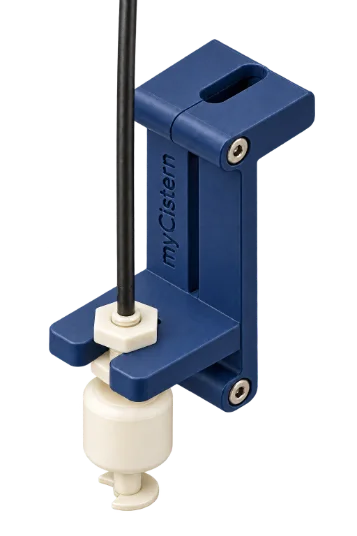
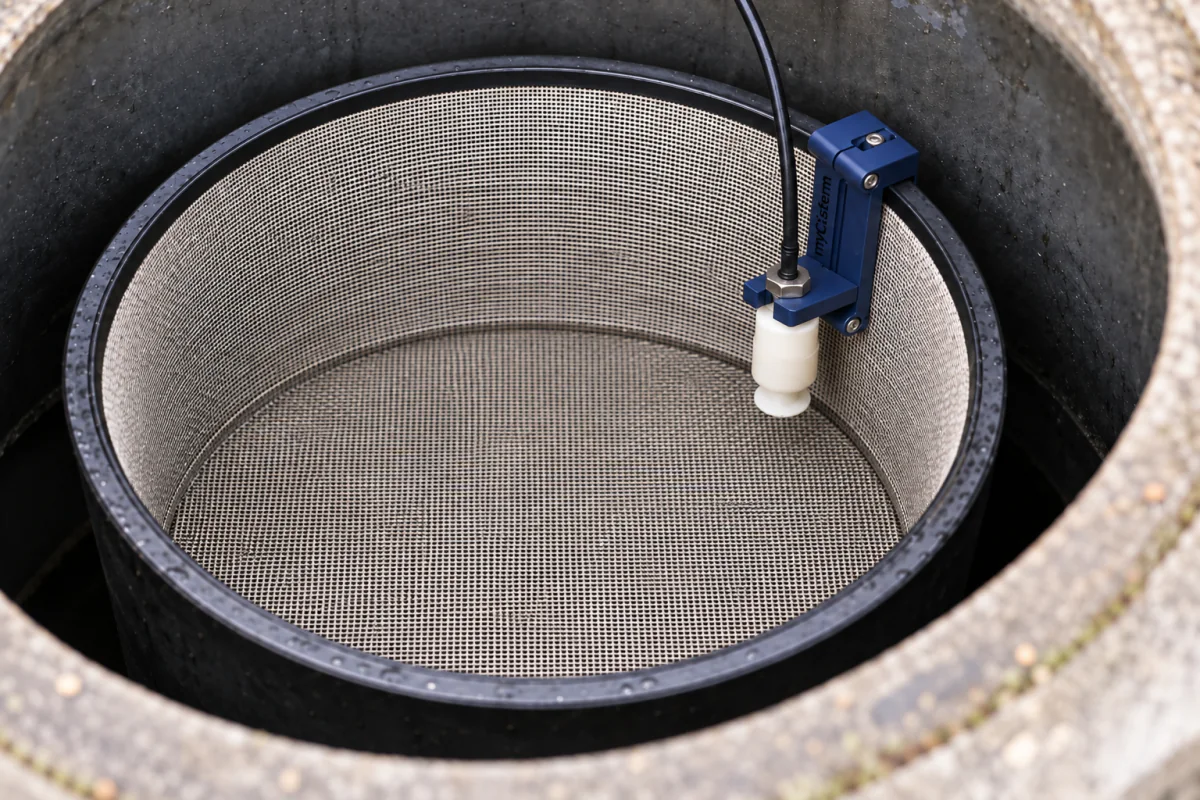
Clogged filter? You will find out before it becomes a problem.
A sensor retrofits into compatible filter baskets. If water backs up in the filter, WaterGuard Refill reports it on your smartphone and on the device. So the next rain ends up in the cistern – not in the drain.
Connects directly to WaterGuard Refill. Not compatible with WaterGuard Level.
No subscription.
No hidden costs.
You buy the device; the core features with the app, cloud, push notifications and updates remain subscription-free. We currently offer no subscriptions for additional features either.
What’s in the box
Please check against the current packing list.
Unboxing & quick start in the docs →How do I install WaterGuard?
- 1MountSensor into the cistern, WaterGuard on the wall.
- 2Plug inConnect sensor and power supply. Refill: valve and Filter Control into the terminals.
- 3PairOpen the app, scan the QR code, choose Wi-Fi. The ring lights up green – done.
Frequently asked questions about WaterGuard
Will WaterGuard work with my cistern?
Yes, provided there is a cable route from the cistern to the weather-protected controller. Many tank models are included in the app. Other cisterns can be configured using their dimensions.
What is the difference between WaterGuard Level and Refill?
Both measure the water level and show it in the app. WaterGuard Refill adds two switching outputs for compatible accessories and supports refilling and filter monitoring.
Do I need a subscription?
No. Core features including the app, cloud, push notifications and updates remain subscription-free. You buy the device; we currently offer no subscriptions for additional features either.
How is WaterGuard installed?
Place the sensor in the cistern and mount the controller on a weather-protected wall. Connect the sensor and power supply, then set up WaterGuard in the app using Wi-Fi or LAN. The installation guide explains how to connect a refill system.
OEM versions
WaterGuard is also available with OEM branding. You get device and app in your design, we take care of the technology and the cloud.
Reseller terms · Data processing & security
- —Device, packaging and app in your branding
- —Small minimum quantities, short lead times.
- —For dealers: add WaterGuard to your range – pumps, rainwater systems, building services



Funded by the DBU Green Start-up Programme of the German Federal Environmental Foundation (since June 2024). Developed and manufactured in Germany by intelliThings.
Learn more →Buy WaterGuard
Level, Refill and the refill unit are available from selected online retailers and specialist dealers.
Recommended retail prices including VAT. Actual selling prices and shipping costs are set by each retailer.
Before purchase and installation: Approved countries · Terms of use for private customers · Manufacturer & WEEE
Questions? We are happy to help.
Tell us the size, depth and where your utility room is – we’ll tell you which model fits and how installation works.
Compare the models first → contact@mycistern.com